Home / Fire TV
How to Install Shotcut APK on Fire TV Stick
Sideload the ShotCut AI APK on a Fire TV Stick, Fire TV Cube or Fire TV smart TV with the free Downloader app. You need Fire OS 7 or later, and a Bluetooth mouse makes editing much easier.
By APKShots Editorial Team. Updated September 13, 2026. Corrections: contact@apkshots.com
Before you start
Sideload the Shotcut APK with Downloader
You only turn on developer mode once. After that, installing a newer Shotcut APK takes about a minute.
- Turn on developer modeGo to Settings, My Fire TV, About, and click your device name seven times until a message says you are now a developer.
- Install DownloaderFrom the home screen, search for Downloader and install the free app by AFTVnews.
- Allow Downloader to install appsOpen Settings, My Fire TV, Developer Options, Install unknown apps, and switch Downloader on.
- Enter the Shotcut APK linkOpen Downloader, type the download address of the Shotcut APK and select Go. The file downloads automatically.
- Install ShotCut and tidy upSelect Install, then Done. Delete the APK file inside Downloader to free up storage for your videos.
Is Shotcut Worth Using on a Fire TV?
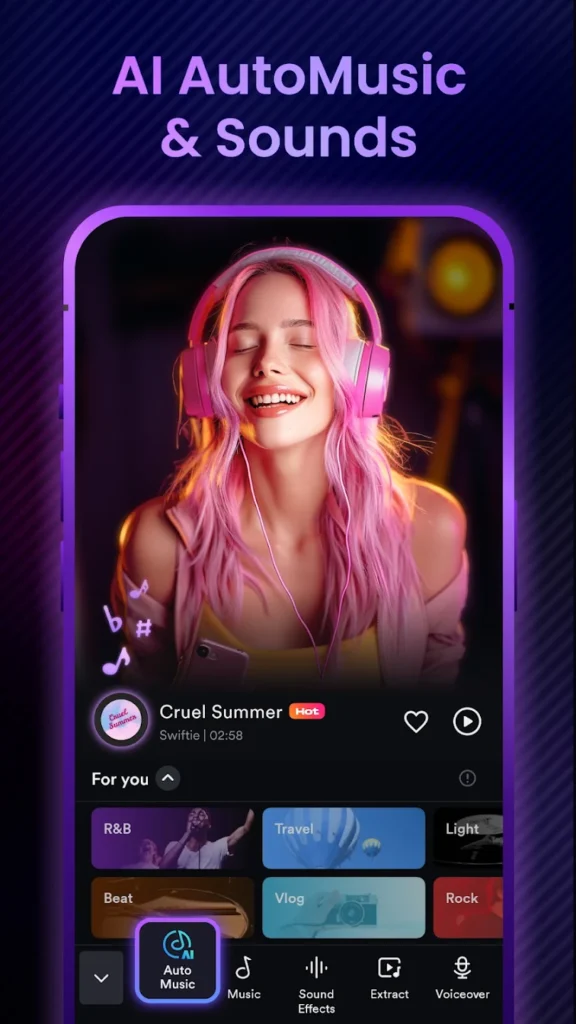
ShotCut AI is designed for touchscreens, so a TV remote alone makes timeline editing slow. It works well for reviewing drafts and making quick trims on a big screen once a mouse is paired. Fire TV devices also have less memory and storage than most phones, so long HD exports take longer.
For serious editing, use the Android phone guide or the Shotcut APK for PC guide instead.
Troubleshooting
The install fails on my older Fire TV Stick
ShotCut AI needs Android 8.0 or later. Fire OS 6 is based on Android 7.1, so older sticks running it cannot install the Shotcut APK. Check your version under Settings, My Fire TV, About.
The remote cannot control the timeline
Pair a Bluetooth mouse under Settings, Remotes and Bluetooth Devices, or install a mouse toggle app that turns the remote into a pointer.
There is not enough storage
Clear the cache of apps you rarely use under Settings, Applications, Manage Installed Applications, delete old APK files and export finished videos to cloud storage.
Shotcut guides for other devices
Get the latest Shotcut APK
Find the current version 3.8.0 details, then sideload it with Downloader.